

Updated: 26 October 2026
Affiliate disclosure: As an Amazon Associate I earn from qualifying purchases. This article contains paid links. ProductPicks may receive a commission when you buy through them, at no extra cost to you.
How we compared: This guide compares published manufacturer specifications and warranty terms. We have not independently tested charging speeds, temperatures, data throughput or durability. Power and data figures are advertised maximums for compatible equipment.
You have chosen a 65W USB-C charger, but which cable should you connect to it? A cable with the right plugs may still have a lower charging rating than your laptop needs. Buying a more expensive cable also makes little sense unless its extra features solve a problem in your setup.
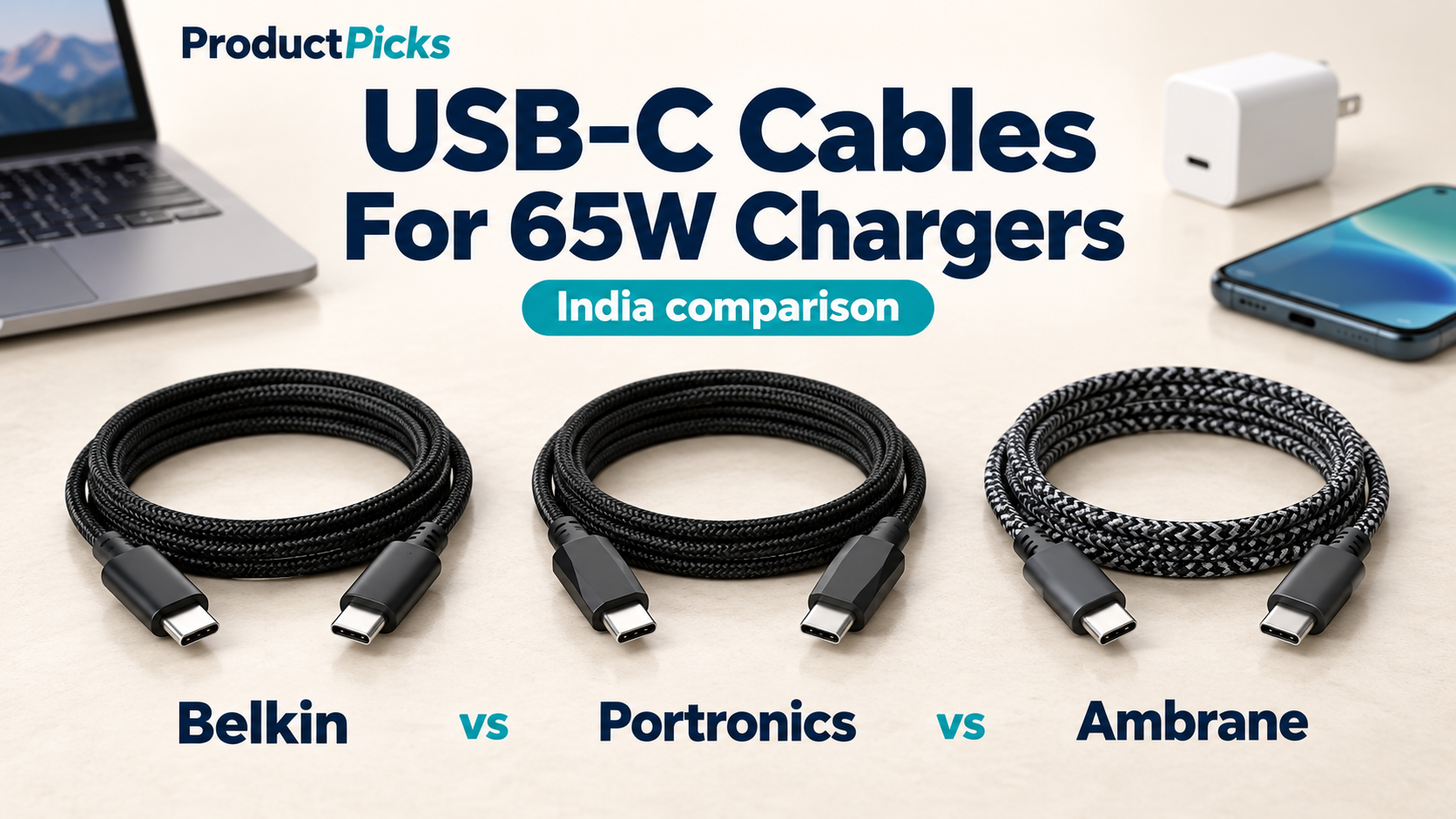
This guide compares the Belkin BoostCharge CAB014, Portronics Konnect B 100W and Ambrane ABCC-100. All three are advertised for up to 100W charging, but their length, warranty and supporting documentation differ. belkin.com
Our recommendation is to choose around your setup: Belkin for extra reach and longer warranty coverage; Portronics for a 1.5m option with an explicitly advertised e-marker; Ambrane as an alternative if the current offer is attractive, with the documentation limitation explained below.
Belkin vs Portronics vs Ambrane: quick comparison
| Feature | Belkin BoostCharge CAB014 | Portronics Konnect B 100W | Ambrane ABCC-100 |
|---|---|---|---|
| Variant linked below | CAB014bt2MBK, black | POR-3258, black | ABCC-100, black |
| Connectors | USB-C to USB-C | USB-C to USB-C | USB-C to USB-C |
| Advertised charging | Up to 100W / 5A | Up to 100W / 5A | Up to 100W / 5A |
| Length of linked variant | 2m | 1.5m | 1.5m |
| Advertised data speed | Up to 480Mbps, USB 2.0 | Up to 480Mbps | Up to 480Mbps |
| E-marker documentation | Advertised on Belkin’s product page | Explicitly advertised | Not explicitly stated in the manufacturer material reviewed |
| Outer construction | Braided nylon | Braided nylon | Braided cable |
| Stated warranty | 2 years | 6 months | 6 months |
| Monitor/video use | Not established by the specifications reviewed | Not established by the specifications reviewed | Not established by the specifications reviewed |
| Amazon India listing | Check Belkin on Amazon — paid link | Check Portronics on Amazon — paid link | Check Ambrane on Amazon — paid link |
Specifications are based on the manufacturers’ documentation. A documentation gap is not proof that a component is absent. Check the selected model, length, seller and warranty terms before ordering; listings and offers can change. belkin.com
Why a 65W charger needs the right USB-C cable
For the common 20V USB Power Delivery laptop-charging arrangement, a cable rated for 3A reaches 60W:
20V × 3A = 60W
Delivering 65W at that voltage requires 3.25A, so the appropriate choice is a 5A electronically marked cable. Infineon’s technical guidance confirms that electronic marking is required for USB-C cables supporting more than 3A. community.infineon.com
This explains why 100W cables appear in a guide about 65W chargers. Their rating provides the required current capacity for this use. An e-marker is a chip that identifies cable capabilities to connected equipment; it does not make the adapter produce more power.
A suitable cable is only one part of the arrangement. The charger must offer the required USB-PD output, and the laptop must accept it. If you already own a suitable, undamaged 5A cable, you do not need to replace it simply because you bought a new charger.
1. Belkin BoostCharge CAB014: for extra reach and a longer warranty
The linked Belkin is the 2m black CAB014bt2MBK. Its practical advantages here are the extra half-metre of reach and the longest stated warranty in this comparison. That can matter if your wall socket sits behind a desk or the charger needs to stay on the floor. Belkin also lists a 3m version, but that is a separate variant. belkin.com
Belkin documents 20V/5A charging, USB 2.0 data support and USB-IF certification. Its product page also describes an e-marker. These are manufacturer statements, rather than results from our own certification or cable testing. belkin.com
The buying decision is whether the added reach and warranty justify the price difference you see. Those are useful benefits; the specifications alone do not establish that Belkin will charge a compatible 65W laptop faster than another suitable cable.
Choose it if: a 1.5m cable would be awkward at your desk, or you value the longer warranty.
Check the Belkin 2m cable on Amazon India — paid link.
2. Portronics Konnect B 100W: for a straightforward 1.5m setup
The Konnect B 100W is worth comparing when 1.5m gives you enough reach. Portronics explicitly lists an e-marker chipset, 5A support and a six-month warranty for this version. The linked black model is POR-3258. portronics.com
That makes the charging specification easier to assess before purchase. If its current price is appreciably lower than Belkin’s and the shorter length suits your desk or bag, it is a sensible candidate for a compatible USB-PD setup.
The trade-off is shorter warranty coverage and less reach. Be careful to select the 100W, 1.5m, USB-C to USB-C version when browsing similarly named cables.
Choose it if: you want the shorter format and clear manufacturer documentation of the e-marker, at a price that suits your budget.
Check the Portronics Konnect B cable on Amazon India — paid link.
3. Ambrane ABCC-100: an alternative with a documentation caveat
The Ambrane ABCC-100 offers the same advertised power rating and length as the Portronics option, with six months of warranty coverage. Ambrane also lists 480Mbps data syncing. ambraneindia.com
The point to check is the e-marker. Although Ambrane advertises 100W and 5A, we did not find an explicit e-marker statement in the manufacturer page and images reviewed. That does not establish that the cable lacks one; it means this detail is less clearly documented.
For a purchase specifically intended to deliver the full 65W laptop-charging profile, we would confirm that detail with Ambrane before choosing it. At similar prices, Portronics’ clearer e-marker documentation would make our decision easier.
Choose it if: the current offer is worthwhile and the manufacturer confirms the capability you need. Check the model carefully: this comparison covers ABCC-100.
Check the Ambrane ABCC-100 cable on Amazon India — paid link.
60W, 100W or 240W: which cable rating should you buy?
For a compatible 65W USB-PD laptop setup, a correctly specified 100W/5A cable has sufficient capacity. A compliant 240W cable can also be used, but the larger number will not turn a 65W adapter into a 240W charger. Belkin’s documentation for its 240W CAB015, for example, confirms compatibility with lower power levels. belkin.com
| Cable rating | What it means for this use |
|---|---|
| 60W / 3A | Can suit lower-power charging, but is not the choice for the full 65W at 20V profile. |
| 100W / 5A | Sufficient rated capacity for the 65W arrangement discussed here, provided the charger and device are compatible. |
| 240W / 5A EPR | Also suitable for lower-power USB-PD charging. Higher power requires an appropriate charger and device as well. |
You may increasingly see 240W cables alongside these 100W products. USB-IF’s current certification programme uses 60W and 240W cable power labels, and it stopped certifying new 100W cables in December 2021. That certification change does not, by itself, mean an existing 100W cable cannot serve a compatible 65W setup. compliance.usb.org
If a well-documented 240W cable costs about the same, it is reasonable to compare it too. Prioritise the right length, specifications and warranty over the largest wattage printed on the packaging.
Charging power, data speed and video are separate features
The 480Mbps data ratings in this comparison are adequate for basic syncing, but they are far below the multi-gigabit connections used by many external SSDs. A 100W label describes a charging capability; it does not promise USB 3, USB4 or Thunderbolt data performance. ti.com
There are three separate questions to ask:
- Charging: Does the cable support the voltage and current your setup needs?
- Data: What transfer speed is explicitly specified?
- Video: Does the cable support the display connection you intend to use?
For example, Apple’s USB-C guidance distinguishes ordinary charging cables from the faster cables required for certain data and display uses. We would not buy any of the three cables here specifically for a USB-C monitor on the basis of their charging ratings. Choose a cable explicitly documented for the display and resolution you need. support.apple.com
How to choose for your laptop, phone and desk
Check your laptop’s charging input
Confirm that the laptop’s USB-C port accepts USB-PD charging and that 65W is appropriate for the model. The connector shape alone does not establish the port’s power role. Also check which socket on the charger provides its highest output. ti.com
Choose the length you will actually use
Measure the route from the charger to your device, including the distance around a desk edge. Choose enough slack that the plug is not being pulled sideways.
If you charge beside a nearby socket, 1.5m may be convenient. If the socket is behind furniture, the extra reach may be worth more than a small saving.
Check the phone’s charging standard
A compatible USB-C phone can use a suitably specified charging cable without drawing the cable’s full advertised wattage. Apple, for example, permits compatible higher-wattage USB-C adapters for USB-C iPhones. support.apple.com
However, proprietary fast-charging modes can require particular accessory combinations. OnePlus specifies a compatible SUPERVOOC adapter for its SUPERVOOC cable. Do not assume that a generic 100W rating unlocks every phone’s highest advertised charging speed. oneplus.in
Remember the charger’s shared output
Connecting another device to a multiport charger can reduce the power available to an individual port. A higher-rated cable cannot restore power that the charger has allocated elsewhere.
Check the adapter’s power-sharing table if you intend to charge a laptop and phone together. Apple Support
Which one would we choose?
For a desk that needs more reach, we would choose Belkin if its price premium is acceptable. Its length and warranty are concrete reasons to spend more.
For a nearby socket or travel setup, we would compare Portronics first if 1.5m is enough. Its published e-marker information makes it a straightforward candidate to assess.
Ambrane remains an option when the offer is attractive, but we would resolve the e-marker documentation question before selecting it specifically for full 65W laptop charging.
There is no measured speed winner in this guide. Choose the cable that meets your charging requirements, reaches comfortably and offers warranty coverage you are happy with.
Frequently asked questions
Will a 100W cable make my 65W charger charge faster?
It cannot increase the adapter’s output beyond its supported limits. It can remove an unsuitable lower-rated cable as a limitation, provided the charger and device can negotiate the required USB-PD mode. community.infineon.com
Do I need a cable from the same brand as my charger?
For standard USB-C Power Delivery, choose compatible specifications rather than matching logos. Brand-specific charging modes may have additional requirements, so check the device manufacturer’s guidance if those modes matter to you. support.apple.com
Can the same cable charge a laptop and a phone?
It can be used with each device in turn if both have compatible USB-C charging inputs and the charger suits them. A single ordinary cable does not charge two devices at once. Phones with a Lightning connector need a different cable. support.apple.com
Is 480Mbps the same as 480MB per second?
No. Mbps means megabits per second; MB/s means megabytes per second.
Dividing 480 by eight gives a theoretical 60MB/s before protocol overhead. Real file transfers will be slower, so treat 480Mbps as a rated ceiling rather than a promised transfer time.
Should I replace a working 100W cable with a 240W cable?
There is no need to replace a suitable, undamaged cable solely to use a compatible 65W setup. Consider a different cable when you need more reach, higher supported charging power, faster data transfer or documented display support.
Related reading: 65W GaN Chargers for Laptops and Phones in India: Belkin vs Portronics vs Ambrane.